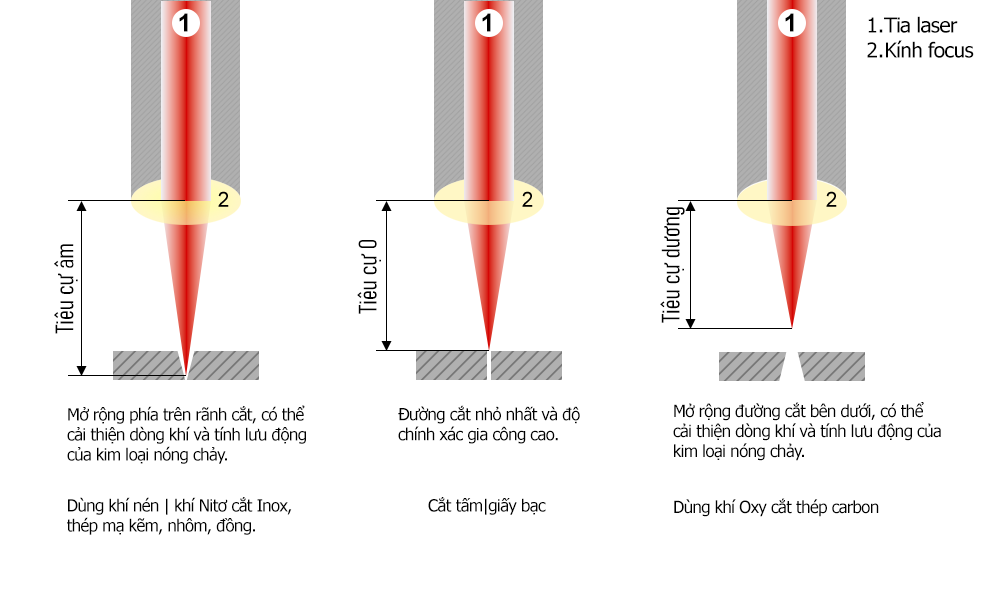
Check the focus position
An incorrect focus position can make the kerf too narrow and restrict assist-gas flow. The gas may then fail to clear molten metal, leaving burrs or a rough edge. Check and adjust focus for the material and thickness using the machine maker’s procedure.
Use a suitable, undamaged nozzle
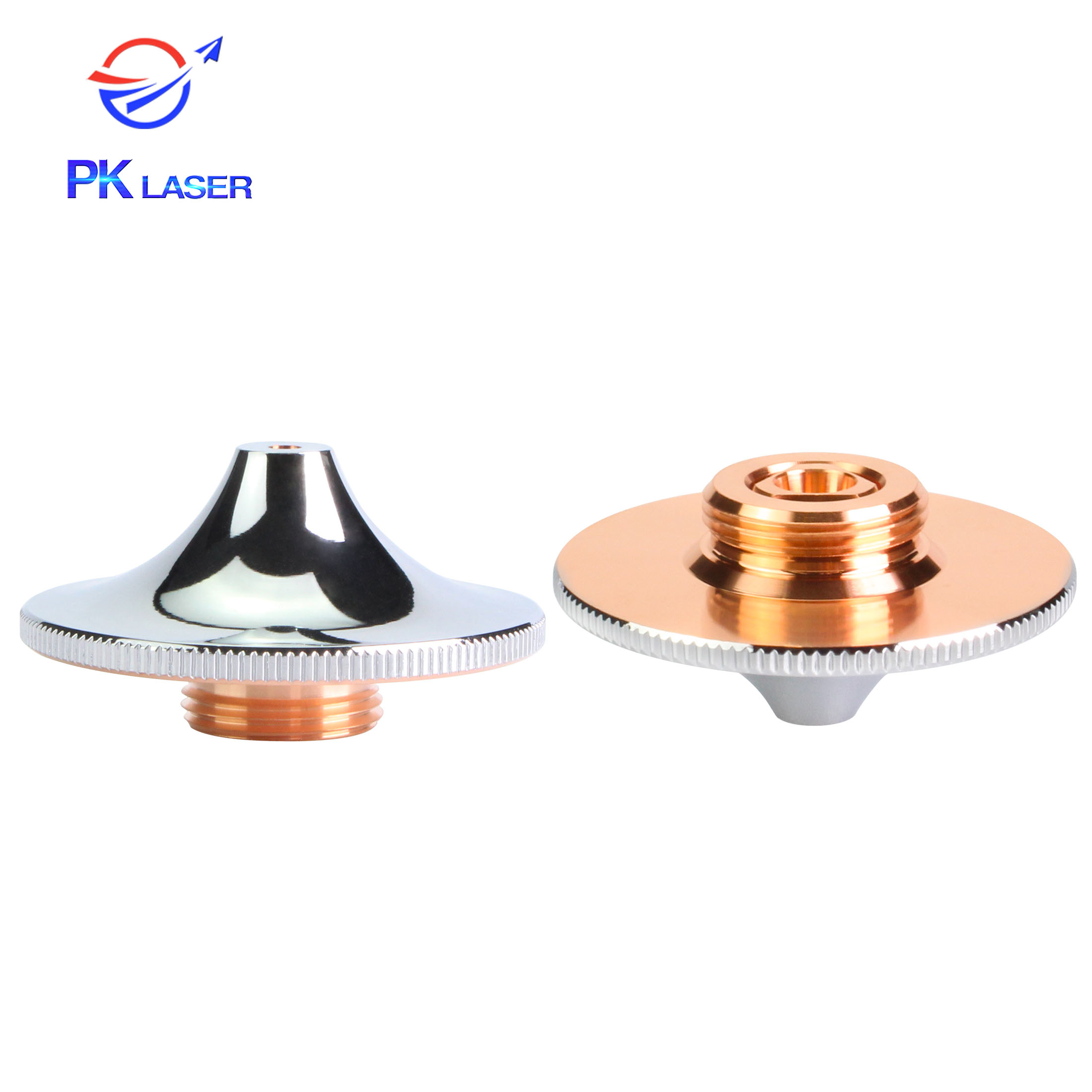
Nozzle shape and the gas flow it produces affect cutting quality and process stability. For oxygen cutting of carbon steel, the source describes a high-volume, high-speed gas stream that supports oxidation and ejects molten metal. A compatible double-layer nozzle may help deliver that flow, depending on the cutting head and process.
- Inspect the nozzle orifice for roundness, damage and blockage. Replace a worn or damaged nozzle, then confirm centering and compatibility with the cutting head.
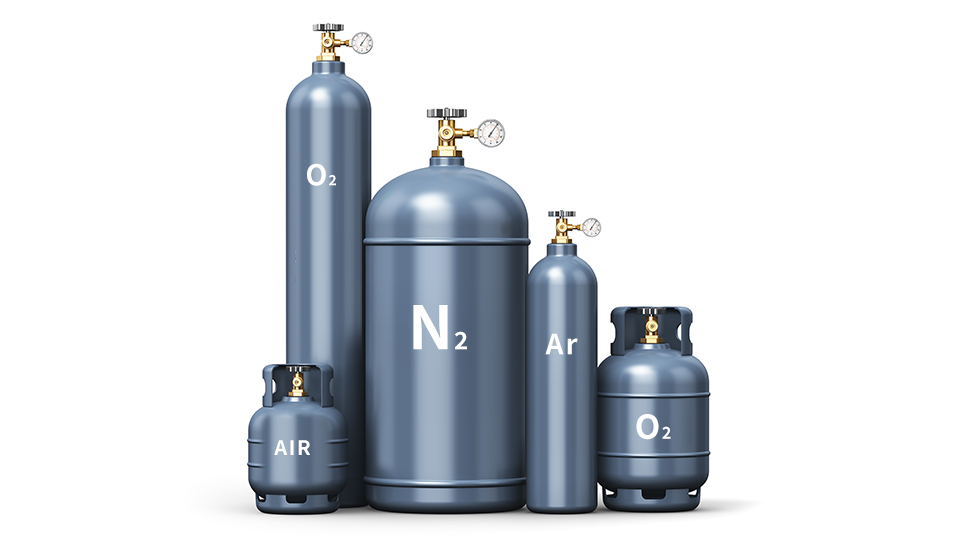
Check assist-gas quality and pressure
Contaminants in assist gas can affect the process and cut quality. Use gas that meets the machine and process requirements. Gas pressure should match the material, nozzle and cutting conditions; excessive pressure can disturb the molten zone and gas flow. Adjust according to the machine maker’s process guidance rather than applying one setting to every job.
Use the burr pattern to guide inspection
On a rectangular cut, burrs on two adjacent sides may indicate that the beam is not centered in the nozzle. Burrs on parallel sides may point to cutting-head perpendicularity. Inspect and correct alignment only with the laser safely disabled and according to the head manufacturer’s procedure.
- A rough or fuzzy section may be related to a dirty or damaged protective window. If replacing it does not help, have the collimating and focusing optics checked by a qualified technician.
- If assist gas is not centered in the cut, inspect the nozzle and gas path.
- If the rough area occurs at the start or end of the cut, review the motion-control lead-in/lead-out settings with the machine integrator.
Need help diagnosing burrs?
Send PK LASER a photo of the cut edge, the material and thickness, cutting gas, head model and machine alarm if present. Business / Zalo: 0394 552 839. Technical support: 0394 542 839.