Why condensation matters
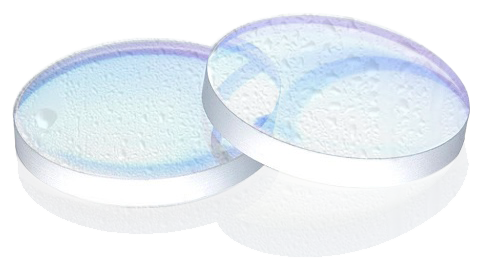
Hot, humid or rainy weather can make it harder to keep a laser cutting machine within suitable operating conditions. If the cooling-water temperature is below the dew point, condensation may form and damage electrical or optical components.
Operating conditions listed in the source
The original article lists an ambient operating temperature of 10–40 °C and relative humidity of 10–80%. Check the laser and chiller documentation for the limits that apply to your equipment.
What to do if condensation appears
- Stop the machine if condensation is observed.
- Wipe visible moisture from the laser cutting-head housing and do not resume operation until the condensation has been removed.
- Cool and dehumidify the room to the conditions required by the equipment maker.
Ways to reduce condensation risk
- Keep the room holding the laser source below 35 °C and relative humidity below 60%, as stated in the source article.
- Use an enclosed equipment cabinet and industrial air conditioning where appropriate to control temperature and humidity.
- For high-power laser sources, consider a separate air-conditioned room if the site allows.
- After startup in very warm or humid conditions, the source says dehumidification may take about 30 minutes; wait for the condensation alarm to clear before restarting.
- A dual-temperature chiller may allow the QBH cooling-water setpoint to be placed above the dew point, but the source says not to set it above 30 °C. Follow the chiller and laser-maker limits.
- When the equipment is taken out of service, switch off the laser source and water chiller together, following the maker’s shutdown procedure.
Need technical support?
These temperature and humidity figures are reproduced from the original PK LASER article and may not suit every machine. Follow the manuals for the laser source, cutting head and chiller. Call technical support at 0394 542 839 or contact PK LASER on Zalo: 0394 552 839.